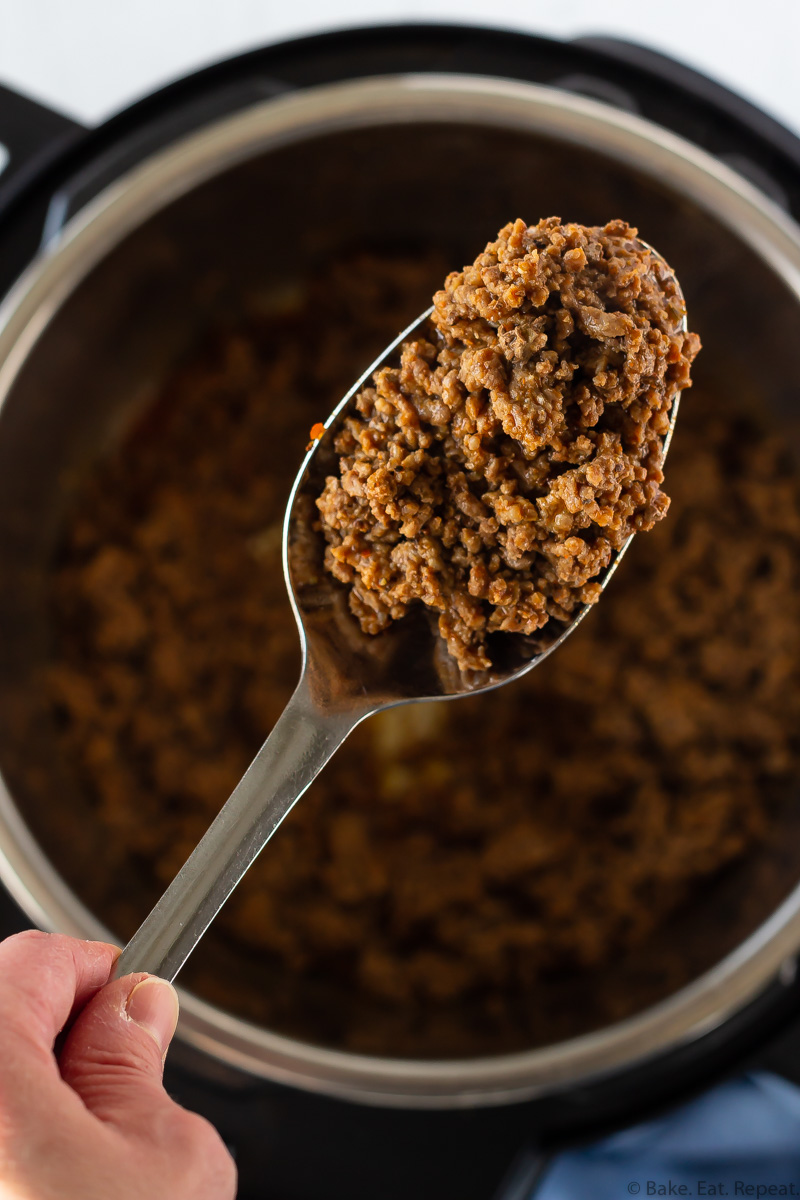
Instant Pot Taco Meat
Instant Pot Taco Meat - Instant Pot
30 min
Servings4
Plan it in the app to put it on your week.
- Dairy Free
- Egg Free
Steps
- 1Remove the lid from the Instant Pot and pour the water into the inner pot, 1 cup for a 6 quart Instant Pot and 1 1/2 cups for an 8 quart Instant Pot.
- 2Place the trivet on top of the water and put the frozen block of ground beef on top of it.
- 3Put the lid on the Instant Pot and turn it to the locked position. Adjust the valve so that it is in the sealing position.
- 4Press the pressure cook button and adjust the time to 20 minutes for frozen ground beef, or 15 minutes for fresh ground beef. The Instant Pot will take about 10 minutes to come to pressure and then will start counting down the time.
- 5When the pressure cooking time is complete, quick release the pressure by moving the valve to the venting position. When all the pressure is released, remove the lid.
- 6Discard the liquid in the Instant Pot and remove the trivet, leaving the ground beef in the bottom of the Instant Pot.
- 7The beef will be almost completely cooked, with just a bit of pink remaining in the middle. Press the saute button on the Instant Pot and cook, stirring the beef and breaking it up until it is completely browned and crumbled. This will only take about a minute.
- 8Add the tomato sauce, chili powder, cumin, coriander, onion powder, garlic powder, salt, pepper, and red pepper flakes, and stir to combine.
- 9Continue to cook with the saute setting, stirring constantly, for 2-3 minutes.
- 10Use this taco meat for tacos, burritos, nachos, quesadillas, or taco salad. It keeps well in the fridge for up to 3 days, or in the freezer for up to 3 months.
Nutrition
- Calories
- 324kcal
- Protein
- 30g
- Carbs
- 5g
- Fat
- 20g
- Fiber
- 2g
- Sugar
- 2g
Estimated from the ingredient list.
Make it yours
Swap ingredients, change amounts, and keep your own copy. The original stays exactly as it is.
Questions
How long does instant pot taco meat take to make?
About 30 minutes from start to finish, including prep.
How many people does this recipe serve?
It serves 4 as written. Use the servings control to scale every ingredient up or down.
Can I change the ingredients?
Yes — in the Zaki app you can make this recipe yours: swap ingredients, change amounts, and keep your own copy. The original stays as it is.